Silo Harness

Open source · macOS

Silo Harness

The self-improving agent harness.

For your Mac, in the style of Claude Code.

Dreaming reads your past sessions and proposes skills, memory and mods, and you keep what helps. Ask the agent for a mod and it builds one.

For Apple silicon. MIT licence.

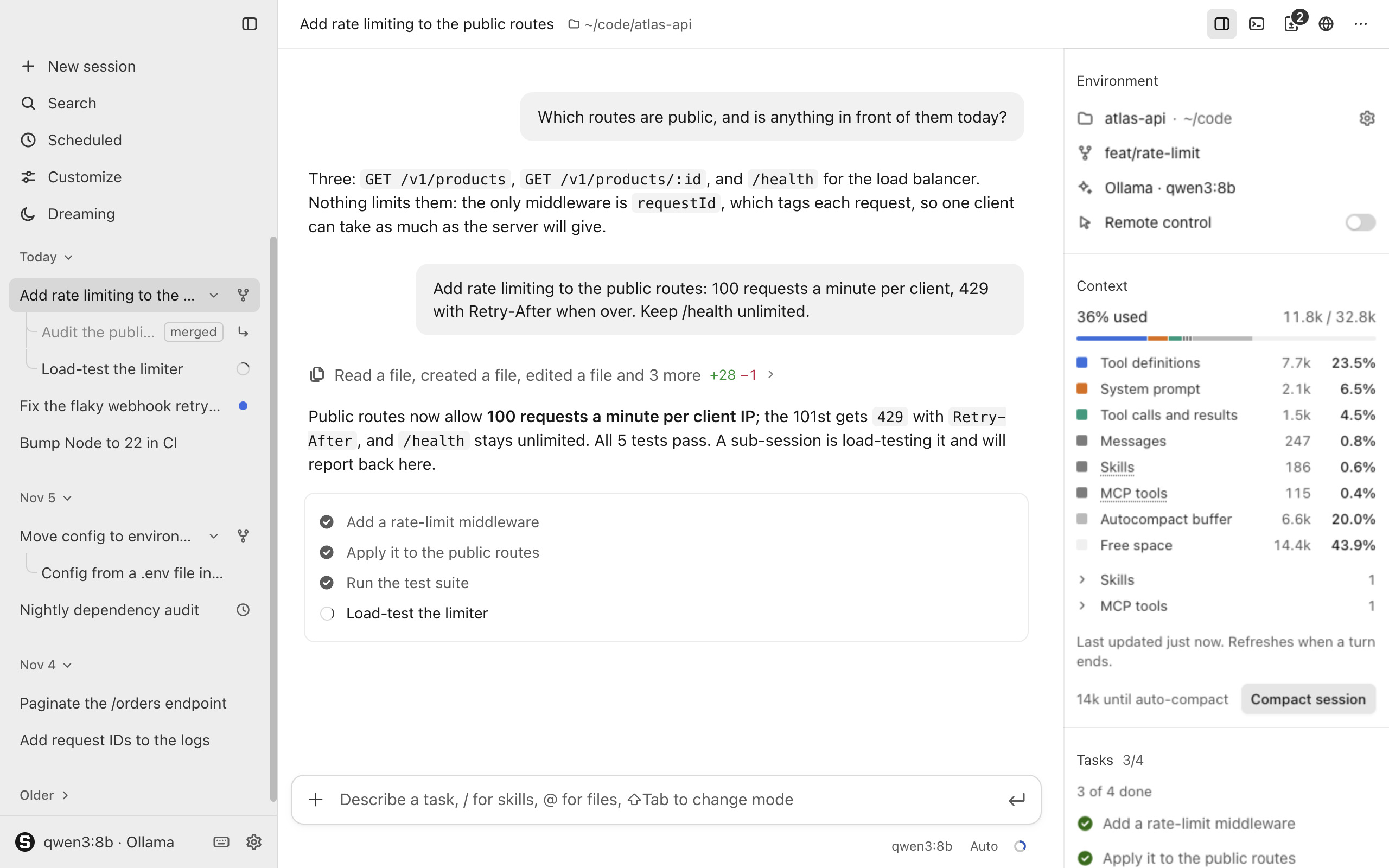
The Silo Harness window: the sidebar with today's sessions, a conversation about adding rate limiting to ~/code/atlas-api with its tool activity folded into one line and a task list, and the rail with the environment, the context in use and the tasks.

It gets better the more you use it

Silo Harness adapts to how you work, and you decide what sticks.

  1. Work

    You work with the agent, session by session.

  2. Dream

    Once a day, or when you ask, a dream reads your recent sessions.

  3. Keep what helps

    It proposes skills, memory and mods for you to apply or dismiss.

  4. Start the next session better

    New sessions begin with what you kept.

Dreaming

Once a day at a time you set, or when you ask, Silo Harness reads a project's recent sessions and proposes skills, mods and memory (lines for the project's instructions file). Each proposal quotes your own words and links the sessions it came from.

  • Approve, Auto or Plan mode, and anything applied can be reverted.
  • The daily dream is off until you turn it on.
  • A dream sends parts of past conversations to the model you configured.
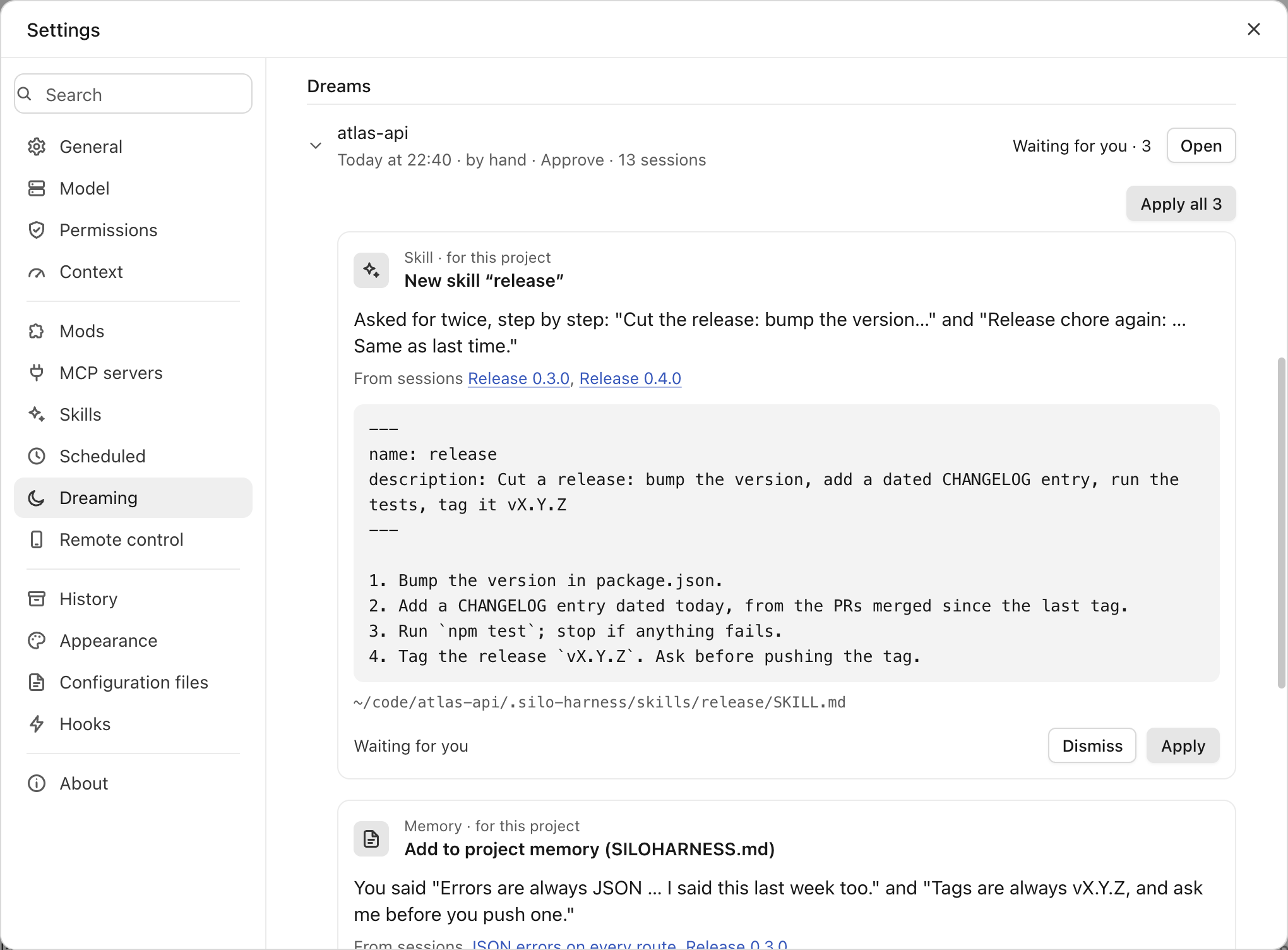
Settings, Dreaming: a dream of atlas-api waiting with three suggestions; the first, a release skill, quotes two past requests, links the sessions they came from and has Dismiss and Apply.

Mods

Everything beside the chat is a mod: panels in the rail, tabs in the side pane, looks, themes, slash commands, and hooks that act before and after the agent's actions. Ask the agent for one and it writes it, then a card in the chat offers to turn it on.

  • Folders of web files with a documented protocol, reloaded when a file is saved.
  • Each mod declares its permissions, and you grant them when you turn it on.
  • The panels the app ships with are mods too, so yours can do what they do.
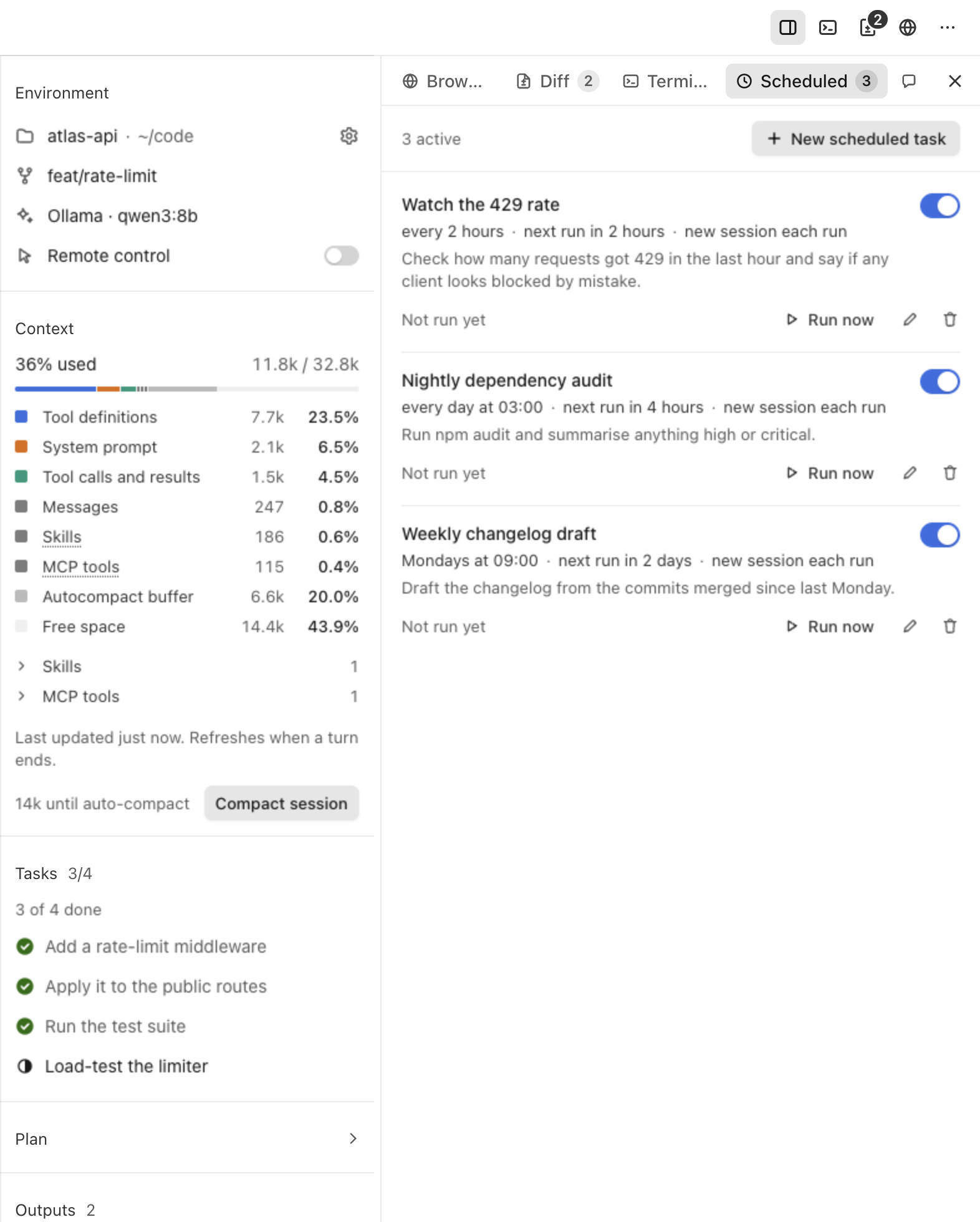
The rail with the Environment, Context and Tasks mods, beside the Scheduled tab listing three scheduled tasks with their rhythm and a Run now button.

What it does

Made for reading

One calm column of text, and tool activity folded into a single quiet line that opens to every row.

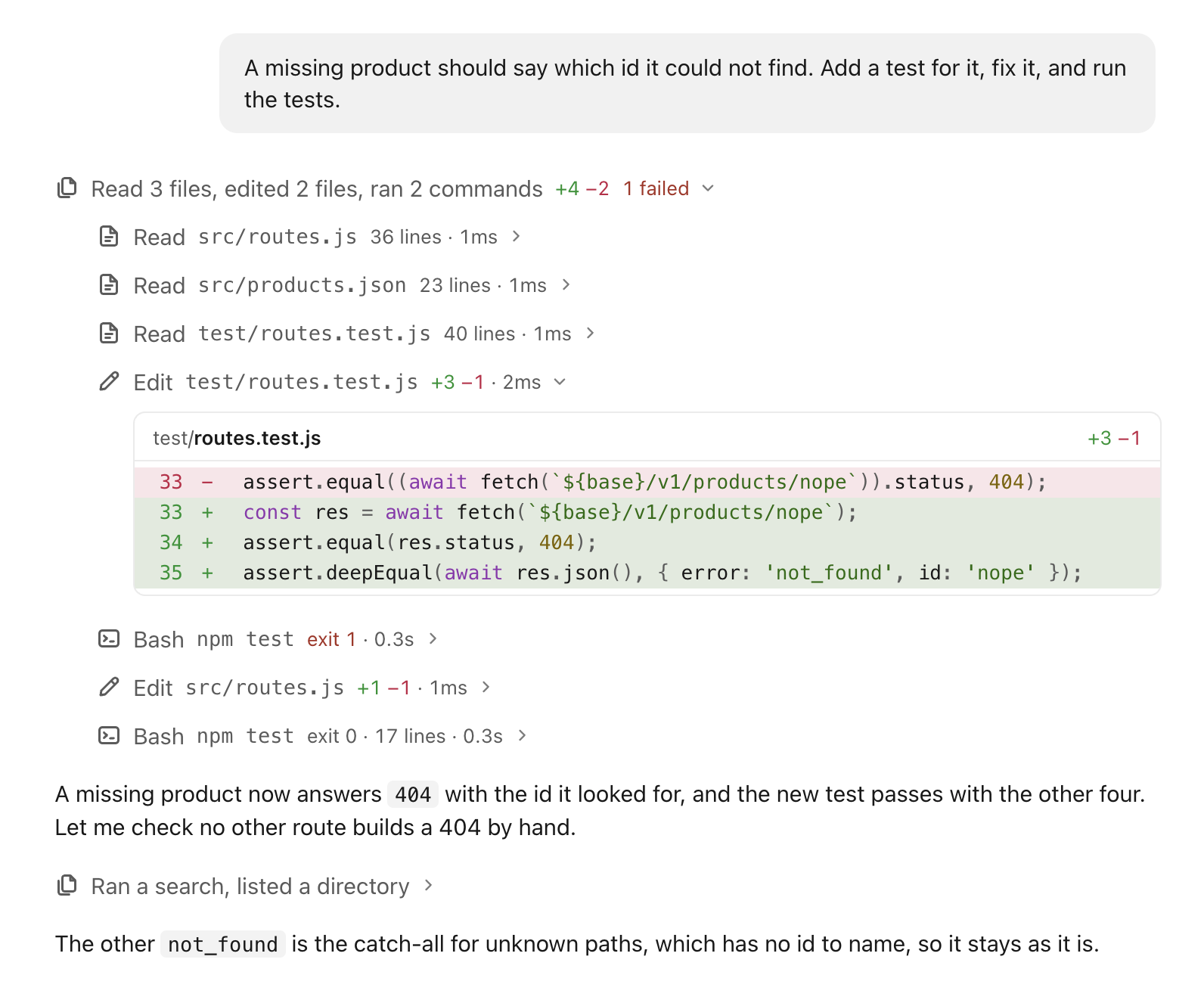
A turn in the conversation: the line "Read 3 files, edited 2 files, ran 2 commands, +4 −2, 1 failed" opened to its rows, one edit showing its diff, and a second run folded to "Ran a search, listed a directory".

Sessions side by side

Several sessions run at once, with sub-sessions and forks nested under the session they came from. Any session can find another by its name.

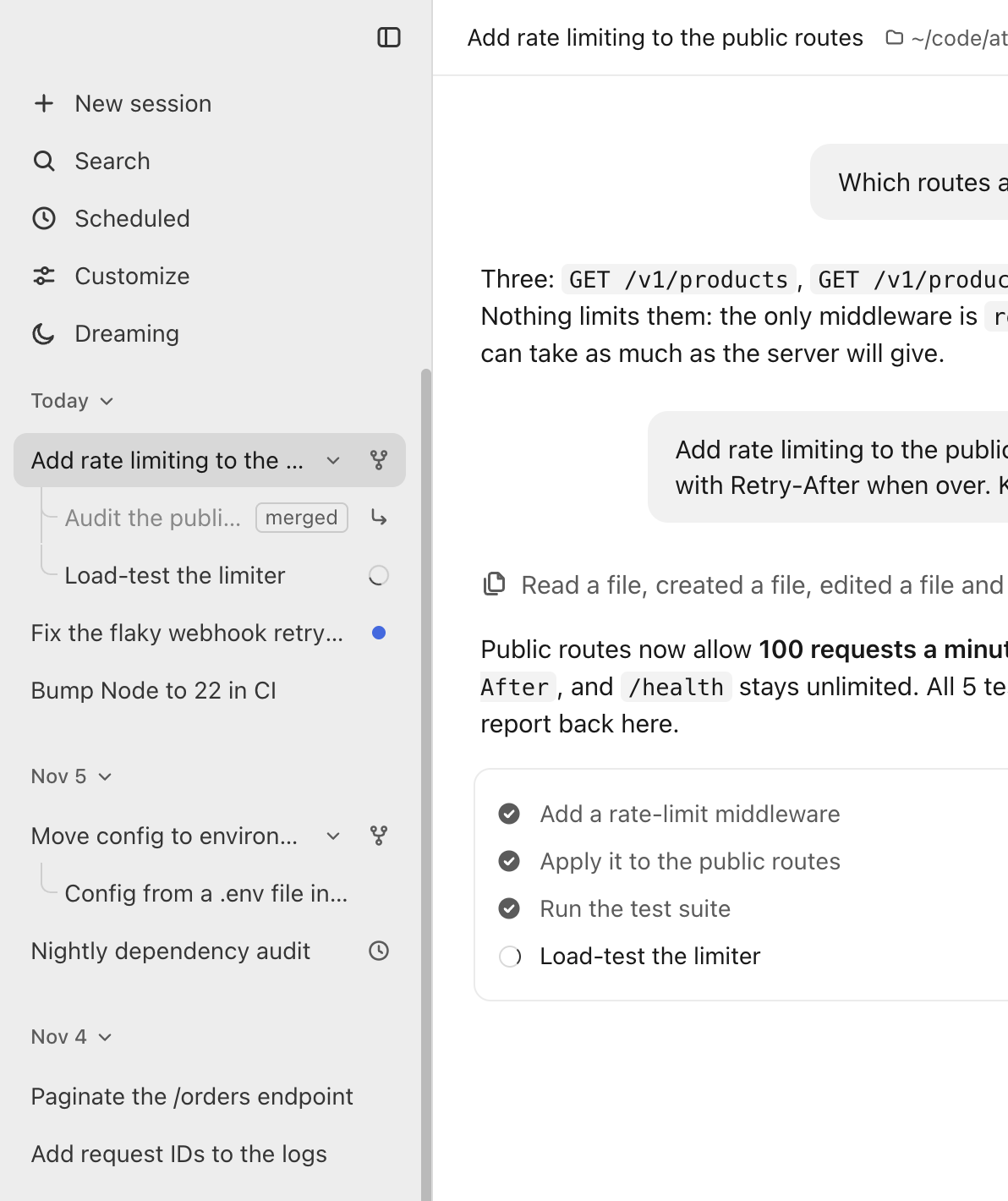
The sidebar: sessions grouped by day, a merged sub-session and a running one nested under the session that started them, a fork under its original, an unread session marked with a dot and a scheduled one with a clock.

You decide what runs

Permission modes, approval cards, plan mode and rewind, as in Claude Code. Auto mode pauses only on risky actions.

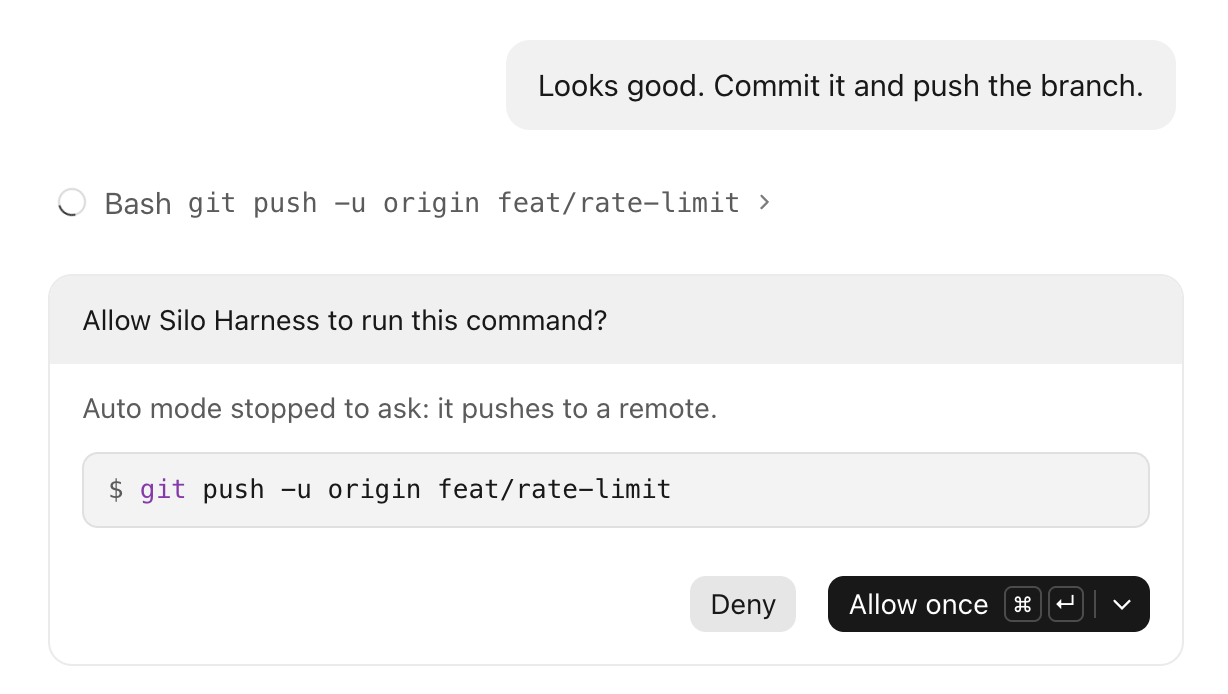
An approval card: Auto mode stopped to ask before git push -u origin feat/rate-limit, with Deny and Allow once.

Looks

A mod can restyle the conversation or the chat bar and bring a background. Hyperspace, a bundled set, jumps to lightspeed while the agent works.

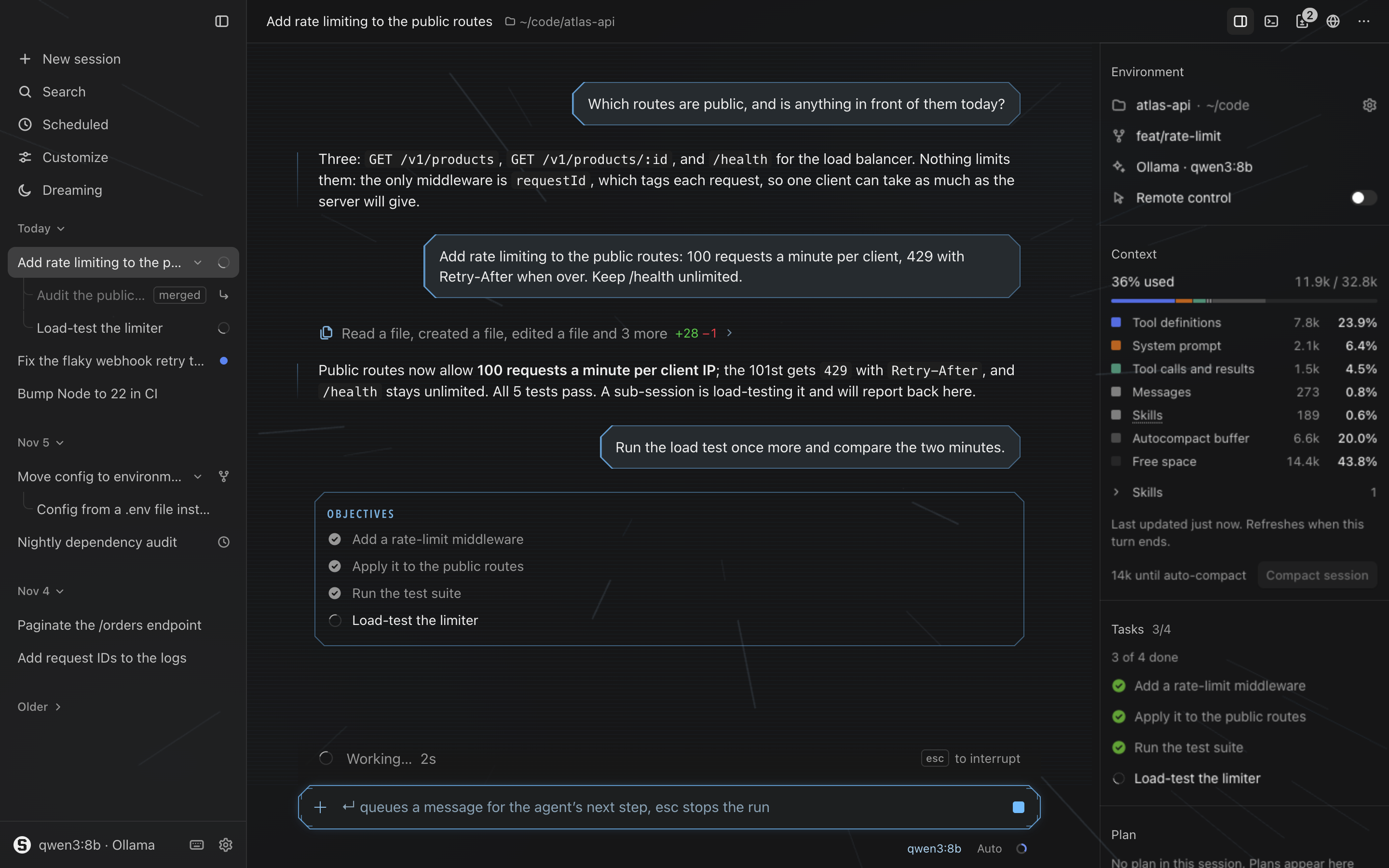
The window in the Hyperspace look: a starfield stretched into streaks behind a holographic conversation and a cockpit-style chat bar, while a run is going.

Also

Get started

  1. Download the app

    From the latest release. It isn't notarized yet: on first launch, open it once, then allow it in System Settings → Privacy & Security → Open Anyway.

  2. Give it a local model

    Terminal
    brew install ollama && ollama serve &
    ollama pull qwen3:8b

    Or a hosted one: Settings → Model → Gateway takes any OpenAI-compatible endpoint, such as Anthropic's or Portkey's, with your key.

  3. Or any other service, set up by your coding agent

    Silo Harness works with any OpenAI-compatible service: OpenRouter, Portkey, OpenAI, Anthropic, Groq, LM Studio or a gateway of your own. It is all in one file, and the app has a command for it, so a coding agent such as Claude Code can do the setup for you:

    Terminal
    silo provider add openrouter --type openrouter --model anthropic/claude-sonnet-4.5 --use
    silo provider test

    The command is in the app at Silo Harness.app/Contents/Resources/bin/silo. See how to configure it.

  4. Or run it from source

    Terminal
    git clone https://github.com/BrandeisPatrick/silo-harness.git && cd silo-harness
    npm install && npm start

Make it yours

A mod is a folder of web files. This one counts the words the assistant writes, in two files.

mod.json
{ "protocol": 1, "id": "word-count", "name": "Word count", "version": "0.1.0",
  "permissions": ["session:read"],
  "contributes": { "views": [{ "id": "main", "title": "Word count",
                               "entry": "panel.html", "seat": "rail" }] } }
panel.html
<link rel="stylesheet" href="/@harness/harness.css">
<div class="h-row">
  <span class="h-label">Assistant words</span><span class="h-value" id="n">0</span>
</div>
<script src="/@harness/harness.js"></script>
<script>
  let words = 0;
  harness.on('message.assistant', (m) => {
    words += (m.text.match(/\S+/g) || []).length;
    document.getElementById('n').textContent = words;
  });
</script>

Put them in ~/.silo-harness/mods/word-count/, turn the mod on, and the panel is in the rail. Or ask the agent: “make a mod that shows …”.

Read more